
You can use over 100 AI models completely free. Right now. And the GitHub repo that tells you exactly where is called free-llm. It tracks every provider still giving away access to their models without asking for a credit card. 110+ models across 34 different providers: Google’s Gemini, Groq, Nvidia, and a bunch of smaller players, all in one constantly updated list.
So most people are paying for API keys they don’t actually need.
If that word throws you off, an API key is basically a password. It lets the tools you already use, code editors, terminal scripts, custom apps, talk to an AI model. You drop that key into the right config file, and suddenly whatever you were paying per token you’re now running for free.
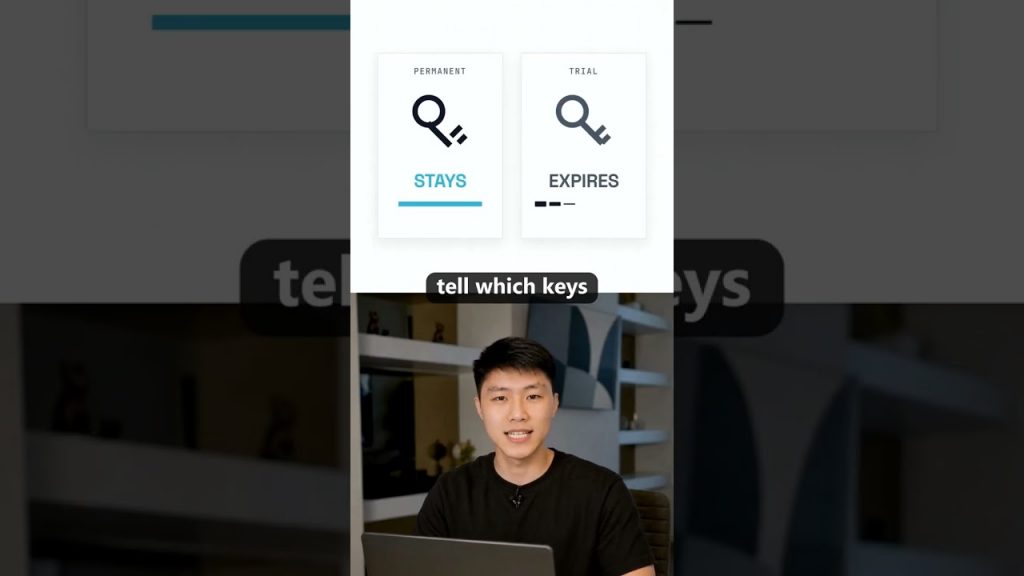
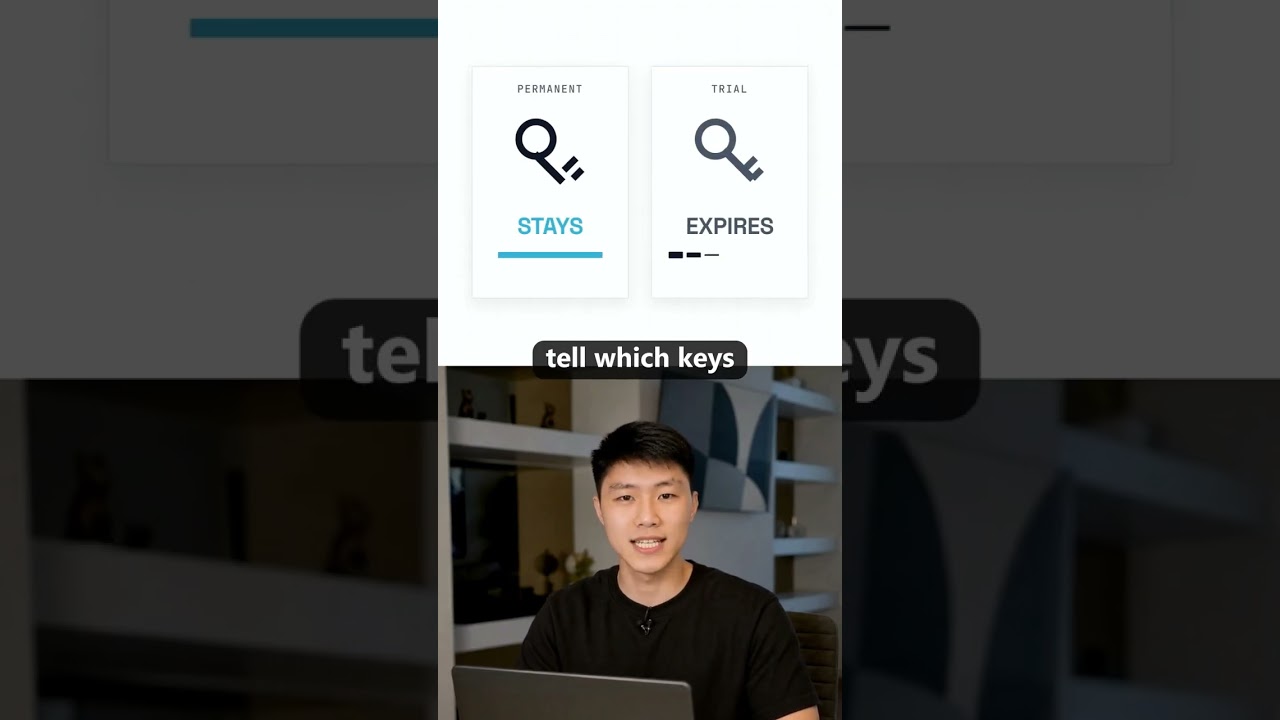
What usually happens is someone finds one free model, uses it for a week, and then the trial credits vanish. They assume that’s the game, so they pull out a credit card and start paying. But a handful of providers have permanent free tiers. They don’t run out, they don’t expire, and they’re sitting right there on the free-llm list, labeled clearly.
What the free-llm repo actually is
It’s not a service. It’s not a wrapper. It’s a GitHub project that acts as a directory. The maintainer (somebody who got annoyed enough at hunting for free models) keeps a markdown list of every provider that offers a free API endpoint. Each entry includes the model name, provider, what you get for free, and whether it’s a permanent tier or trial credit.
That distinction alone saves you from the “it worked yesterday” problem. Trial credits might get you a million tokens once. Permanent free tiers typically give you a daily or monthly limit that resets. So you can tell which keys will stick around and which ones die in a week.
The list also links directly to where you sign up. So instead of checking provider by provider, reading stale Reddit threads, or scrolling through Discord announcements that changed three times, you just open one page.
Permanent free tiers versus fake free
This is the part that trips most people up. A company posts “free API access” and what they really mean is “$5 in credits that expire after 30 days.” They want you to build something, hit the limit, and then pay. That’s not free, that’s a drug dealer sample.
The repo sorts these out. If a model sits under the permanent section, you know the keys you generate today will still work next month. Some models cap you at a certain number of requests per minute. Others give you a generous daily token allowance but won’t charge you after. The list spells out exactly what the limitation is.
It also flags which providers require a phone number, which ones need a GitHub login, and which ones make you jump through a verification hoop. So you can skip the ones that just want your data.
A few providers you’ll recognize immediately: Gemini’s free tier is huge if you stay within rate limits. Nvidia’s NIM API gives you free inference on certain models. Groq has an incredibly fast free tier that a lot of developers are sleeping on. All of them show up in free-llm with the config details.
Why you probably don’t need to pay for an API key
Walk through a typical dev setup right now. You want AI assistance in your editor, so you fire up Cursor, Codex, or Claude Code. All of those can point at a custom API endpoint instead of their built-in paid service. That endpoint just needs a URL and a token. The free-llm repo hands you both.
For Claude Code, it’s literally two environment variables: a base URL and your free token. Export those, open your terminal, and you’re running on a free model. The same pattern works for any tool that accepts an OpenAI-compatible endpoint, which is almost everything built in the last year.
And that’s the kicker. The ecosystem standardized around a single API format. So the moment you have a free key that speaks that format, you can plug it into dozens of applications. You’re not locked into using some janky web chat; you bring the model to your workflow.
Getting that key into the right file (without losing your mind)
This is the exact step where most people get stuck. They sign up, grab the key, and then stare at a terminal that says “401 Unauthorized” and they give up.
The problem isn’t the key, it’s the wiring. You need to know which environment variable to set, in which file, and whether your tool even reads that file. For Cursor, it’s a settings file. For Claude Code, it’s a pair of exports in your shell profile. For anything running in Docker, it’s an env file.
I made a full video walking through that exact step. I show you the file path, the exact variable names, and what to type so you never see that 401 error again. The video is linked in the description. Comment “free” on the video and I’ll send you the repo and the video straight to your inbox. Or grab both from the pinned comment while you’re there.
Common pitfalls when setting up a free model
Beyond the environment variable mess, there are a few things that silently fail:
- Copying the key with a trailing space. Some signup pages add a space after the string when you click copy. That space breaks authentication. Always paste into a plain text editor first.
- Using the wrong endpoint URL. The free-llm list includes the correct base URL. If you guess the URL or use the one from the provider’s paid docs, it won’t match the free tier endpoint.
- Forgetting to activate the key. A few providers require you to click an “enable” button after generation. The key exists, but it’s inert until you flip that switch. The repo usually calls this out in the notes column.
- Hitting a rate limit and thinking the key is dead. Permanent free tiers throttle you, they don’t ban you. Wait a minute, retry, and if it still fails, check the limit section on the repo.
The whole thing feels finicky the first time you do it. After the second time, it’s copy, paste, two env vars, and you’re done. Five minutes.
The providers you’ll actually use
Out of 34 providers, most people will gravitate toward 5 or 6 that are fast, reliable, and don’t require a ton of ceremony.
- Gemini: Google gives you a solid free tier on models like Gemini 2.0 Flash. Good for general chat, code explanation, and summarization. Rate limits are generous.
- Groq: The speed is stupid. Running Llama or Mixtral on Groq’s LPU hardware feels like local inference but without melting your GPU. Free tier includes several open-weight models.
- Nvidia NIM: If you need a model for RAG or embeddings, Nvidia’s free endpoints cover a handful of specialized models. The setup is slightly more involved but worth it.
- Together AI (if still free at the time of reading): They occasionally offer free credits that reset weekly. Check the repo for current status.
- Mistral: Their la Plateforme has a free tier with rate limits, and the models punch above their weight class for French or multilingual tasks.
- OpenRouter free models: Some models routed through OpenRouter are free, and the single API key structure makes it dead simple to swap models.
The list changes. That’s the whole reason free-llm exists. By the time I finish typing this, a provider might have yanked their free tier or added a new model. The repo reflects what’s live right now.
How this actually saves you money
Let’s say you’re paying $10 a month for Cursor Pro. You’re not using the premium model 90% of the time. You just want code completions and the occasional “what does this error mean.” A free model can handle most of that. Swap your endpoint, and that $10 stays in your pocket.
Now multiply that across three or four tools. An AI CLI script, a chat interface, your code editor, maybe a note-taking app. You don’t even realize how many things are silently burning API credits until you point them all at a free endpoint and your billing dashboard flatlines.
The only reason not to do it is if you need a specific proprietary model that has no free equivalent. GPT-4o doesn’t have a permanent free tier anywhere. But for the 80% of tasks that don’t require frontier reasoning, the free models on free-llm are indistinguishable from what you’re paying for.
Keeping your stack updated
Because the repo sorts by provider status, I check it once a week. Takes 30 seconds. If a provider moved from permanent to trial, I pull the key and swap to the next one on the list. If a new model appears that’s faster or has a larger context window, I test it out.
The maintainer accepts pull requests, so the community updates quickly. When Nvidia quietly dropped a free inference endpoint for Llama 3.3, it was on free-llm within a day. If you’re just scrolling X or Reddit, you might hear about it two weeks later. That gap is the difference between building and waiting.
What you should do right after reading this
Go to the repo. Pick one provider from the permanent list. Generate a key. Note the base URL and the rate limit. Open your terminal, export the two environment variables, and run a quick curl command to test it. If you get back a valid response, you just cut a recurring bill you didn’t need.
If you get stuck, remember that most issues come down to three things: a typo in the variable name, a trailing space in the key, or the wrong base URL. Double-check those, and if it still doesn’t work, watch the full setup video I linked. I walk through the exact commands on screen so you can copy them character by character.
And hit that like button if this saved you a few bucks. At 500 likes I’m dropping another video about a repo almost nobody is talking about, one that does something just as useful but keeps flying under the radar.
Points clés à retenir
- You can access over 100 AI models completely free right now through the free-llm GitHub repo, which lists providers with permanent free tiers.
- An API key is just a password. Once you have a free one, you can plug it into tools like Cursor, Codex, and Claude Code.
- The repo distinguishes between permanent free tiers that stick around and trial credits that expire, so you avoid dead keys.
- Setting up the key usually involves two environment variables: a base URL and your free token. The exact names vary by tool.
- Most people get stuck copying the key with a trailing space, using the wrong endpoint, or not activating the key. Those are easy fixes.
- Providers like Gemini, Groq, and Nvidia offer fast, reliable free endpoints that handle most daily tasks without a paid plan.
- Swapping paid API keys for free ones across your editor, terminal tools, and apps can eliminate recurring AI costs entirely.
- The repo is community-maintained and updated quickly, so it’s more current than blog posts or social threads. Check it weekly.
The list isn’t magic. It won’t give you unlimited access to every frontier model. But it keeps you from spending money on something a free key can do just fine. And once you get into the habit of wiring up your own endpoints, you start seeing how much of the AI tooling market is just a thin layer over an API call you could make yourself for nothing.