
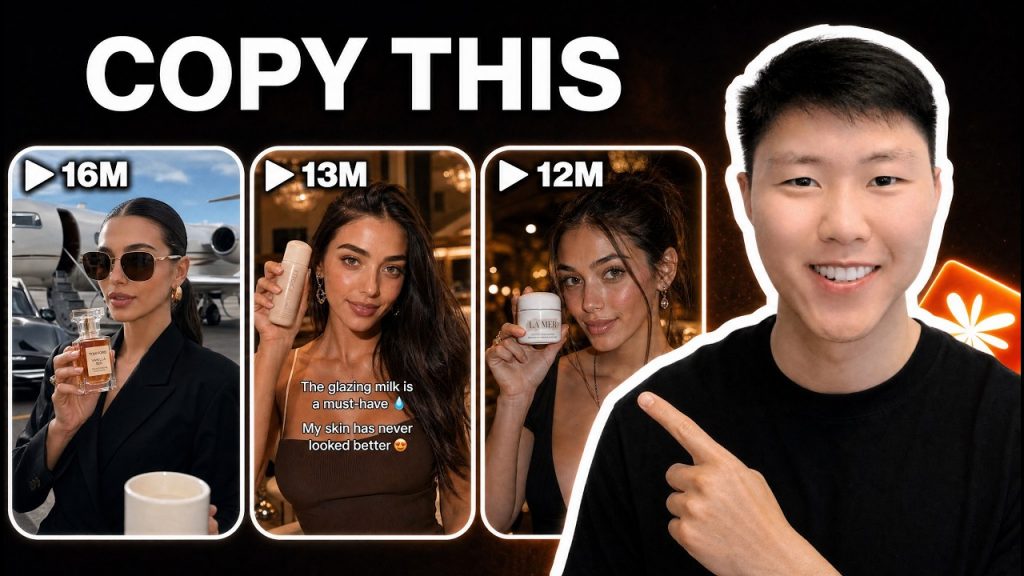
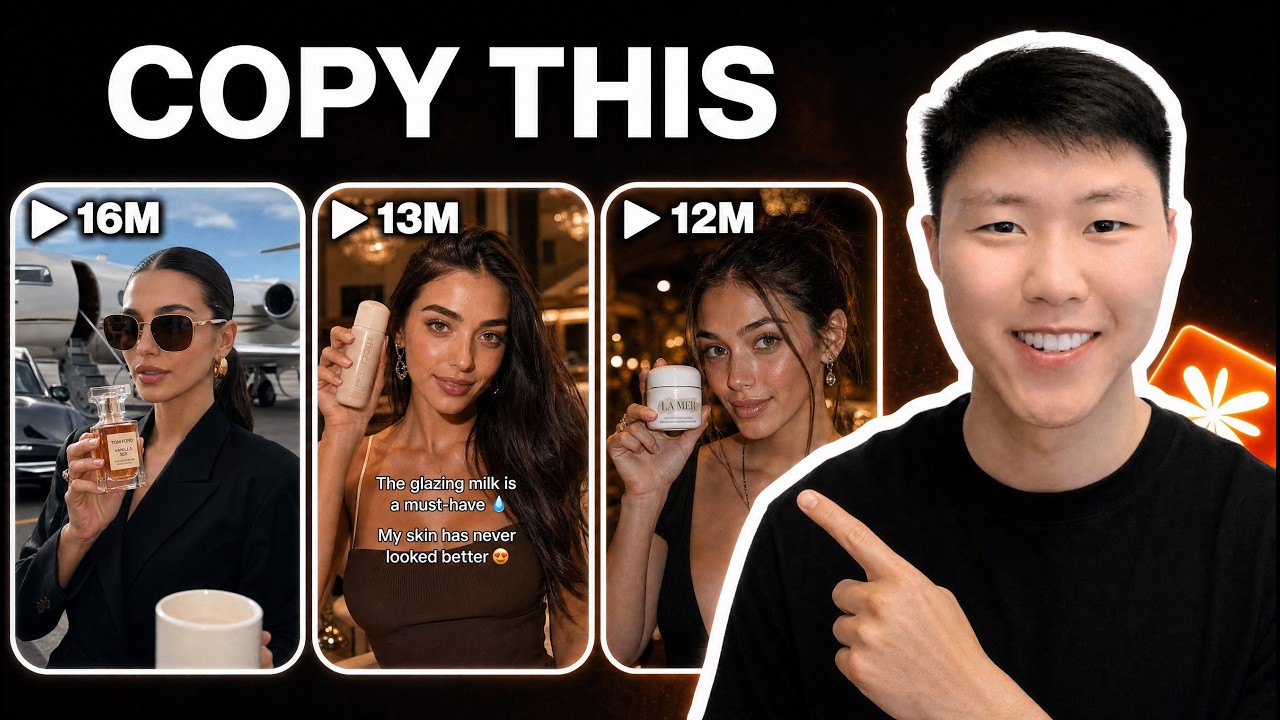
All these video ads you’re looking at right now came from just three real shoots and one product image. Same person, same product, but you’ve got different environments, camera angles, and hooks. And they’re all pretty much ready to upload. The weird part is I didn’t open CapCut, Premiere, Final Cut, or any video editor to make them. Everything was generated directly from Claude Code.
The reason this is interesting is because if you’ve ever run ads for a startup, an e-commerce brand, or even your own SaaS product, you already know the biggest bottleneck usually isn’t launching campaigns. It’s making enough creative to test. Every new angle, hook, or variation normally needs more editing, more revisions, and more time waiting around. Renoise is trying to solve that by turning video generation into something you can run directly inside an AI agent. Instead of opening a video editor and manually building creatives one at a time, you give Claude Code a product image and a set of instructions, and it generates finished video ads for you, complete with synchronized audio.
Getting Renoise connected to Claude Code
The first step is wiring the two tools together. Head over to Renoise, create an account, hit the CLI tab, and copy the installation command. Then paste that command into Claude and let it run for a few seconds. That’s it. Renoise is now connected directly to Claude Code, and you can start sending it instructions.
Before you ask it to generate anything, it helps to understand what’s actually happening under the hood. Traditionally, creating ad creatives at scale meant bouncing between image generators, video generators, editing software, audio tools, and export settings. Every step added manual work, and that stack of tools didn’t play nicely together. What Renoise is trying to do is collapse that entire workflow into a single agent-driven pipeline. Claude Code becomes the orchestrator, and Renoise becomes the generation engine running underneath it. You ask for a batch of videos; Claude handles the coordination, and Renoise does the heavy lifting.
That setup matters for another reason: Renoise gives us access to C Dance 2.0, the model powering most of the video generation we’ll be doing today. So you’re not stitching together a bunch of separate models yourself. You’re describing what you want, and the system picks up the rest.
Building the first batch of ad creatives
For this example, I used a simple product image. You can do the same with pretty much anything: a physical product, a SaaS tool, a consumer app, whatever you’re trying to market. I dropped the image into our workspace and let Claude Code access it.
One of the biggest headaches with AI-generated ad content is consistency. If you’ve played with video models before, you’ve probably seen this happen: you generate one clip and the spokesperson looks great. Then in the next clip, they suddenly have a different face, different features, or look like a completely different person. Renoise tries to solve that with a feature called Face Pass. You upload a reference photo and register it with the system. From that point on, every variation you produce will use that same person’s identity. The goal is to anchor the look so your entire campaign feels like it was shot with the same presenter.
Once Face Pass is registered, you don’t manually create ads one at a time. Instead, you describe the whole campaign in plain English. I told Claude Code: use this product image, lock the identity with Face Pass, generate vertical TikTok-style ads, and split the outputs across multiple creative angles. I also asked for different opening hooks across each group so every video starts in a way that feels unique.
This is really where the approach shifts. We’re not editing videos, we’re not dragging clips around on a timeline. We’re defining a system. The prompt becomes the creative brief, and the agent handles the production work.
Once I was happy with the instructions, I sent the request and let Renoise start generating the batch. At that point, Claude Code takes the description, passes it to Renoise, and starts orchestrating the generation in the background. You’re not queuing up individual video jobs. You’re asking the system to generate an entire library of creatives from a single set of rules.
While that runs, it’s worth stepping back to think about why this is useful in the first place. Most founders don’t actually know which ad is going to work. Performance marketing is largely an optimization problem. Sometimes the winning creative is the one with the strongest hook. Sometimes it’s the environment. Sometimes it’s the pacing, the presenter, or even a small change in framing. The challenge has always been generating enough variations to discover those winners without spending weeks editing content. That’s why Renoise focuses so heavily on batch generation. Instead of producing one ad and hoping it performs, you can generate dozens or even hundreds of variations that explore different creative directions automatically.
What the outputs actually look like
When the generation finished, I opened the output folder and found all the finished video files sitting there. Each one follows the same core product brief, but the presentation is different. Some lean into lifestyle-focused setups. Others are more like studio product shots. Some use completely different opening sequences designed to grab attention in the first few seconds.
These aren’t silent clips that need another round of editing, either. The videos already include synchronized audio, which means they’re much closer to something you could actually upload and test. If you open a few side by side, you can really see what the system is doing. The product stays consistent, the presenter stays consistent thanks to Face Pass, but the creative angle changes from video to video. And that’s ultimately the goal. Not creating one perfect ad, but generating enough high-quality variations that you can quickly figure out what resonates with your audience.
Using footage you already have
If you’ve been running a brand for a while, you probably aren’t starting from zero. You’ve got a folder of old shoots somewhere: a product shoot, some lifestyle footage you paid for once and then pretty much forgot about. Instead of generating everything from scratch, let me show you what happens when you feed Renoise the footage you already have.
I used three real shoots: the same person filmed in an office, at home, and outdoors. I dropped those in, registered the presenter with Face Pass, and let Renoise take it from there. It grabbed those real shoots and started spinning out new variations with the same person and the same product across every environment. Those are the exact clips you saw at the very start of this video. That whole opening montage came from three shoots. So one afternoon of filming pretty much turns into a full library of ad angles you can actually test. You’re not replacing your shoots; you’re just getting way more out of the ones you already have.
The economics of agent-driven video production
Now that we’ve got all these creatives generated, the obvious question is whether this is actually useful outside of a demo. Honestly, I think this is where Renoise gets the most interesting.
If you’re a founder running an e-commerce brand or trying to grow a product online, the biggest challenge usually isn’t launching ads. It’s producing enough creative to keep testing new ideas. Every time you want to try a new hook, a different style, or a new angle, you’re either spending time editing videos yourself or paying someone else to do it. That process doesn’t scale very well.
What Renoise is really doing is shifting video production from a manual workflow into an automated one. Instead of thinking in terms of individual videos, you start thinking in terms of systems. You define the inputs, the constraints, and the creative direction, then let the agent generate the variations for you. That’s also why the Claude Code integration feels more important than the video generation itself. The videos are obviously part of the story, but the bigger idea is that content creation is becoming another workflow AI agents can execute.
You can imagine pulling product data automatically, generating new creative concepts, creating ad variations, and feeding them directly into your marketing pipeline without constantly switching between tools. The system isn’t just saving you a few minutes of editing. It’s letting you run more experiments, faster, with the same amount of human attention.
Templates and reusable workflows
Renoise also has a template marketplace where creators can publish prompts and workflows for other users. If you end up building a generation workflow that consistently produces strong results, you can share it through the platform and earn a portion of the credits when others use it.
Personally, the bigger takeaway is how reusable these workflows become. Once you figure out a process that works, you’re no longer starting from scratch every time you need new content. You’re refining a system and letting the agent do the repetitive work. That’s the broader trend we’re going to keep seeing across AI tools over the next few years. Less clicking around between apps, more describing what you want and letting the system execute.
Key Takeaways
- The biggest bottleneck in paid advertising usually isn’t campaign setup. It’s producing enough creative variations to test different hooks, angles, and styles effectively.
- Renoise turns video ad generation into a batch process you control directly inside Claude Code, using plain English prompts rather than a timeline editor.
- Face Pass anchors the presenter’s identity so every generated video features the same consistent person across an entire campaign.
- You can feed Renoise existing product images or actual footage from past shoots, and it will spin out dozens of variations in different environments with the same product and presenter.
- Videos come out with synchronized audio already baked in, so they’re much closer to upload-ready than raw AI generations that need extra editing.
- The real power isn’t just video generation; it’s that content production becomes a workflow AI agents can execute, pulling together what used to be multiple separate tools into a single automated pipeline.
- A reusable prompt or workflow can be shared on Renoise’s marketplace, letting others use it and earning you credits when they do.
After spending some time with Renoise, I think the biggest shift isn’t that it’s trying to be another video editor. The interesting part is how it fits into an agent workflow. Instead of opening multiple tools, moving assets around, editing timelines, exporting files, and repeating the whole process every time you want a new creative, you can define what you want in plain English and let the system handle the production side.
Now, obviously, this doesn’t mean traditional video editing is going away. If you’re producing highly customized commercials, long-form content, or complex cinematic projects, you’re still going to want a dedicated editing workflow. But for things like ad testing, product marketing, short-form content, and high-volume creative production, this approach starts to make a lot of sense. The ability to generate dozens of variations from a single product image, keep a consistent presenter across every video, and do it all directly inside Claude Code is a pretty interesting glimpse into where AI-assisted content production is headed.