
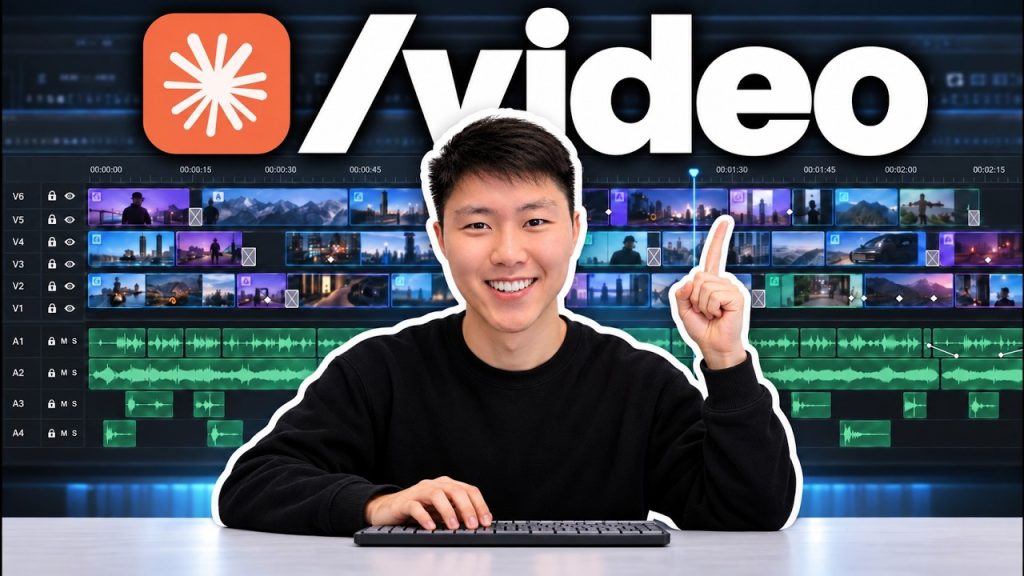
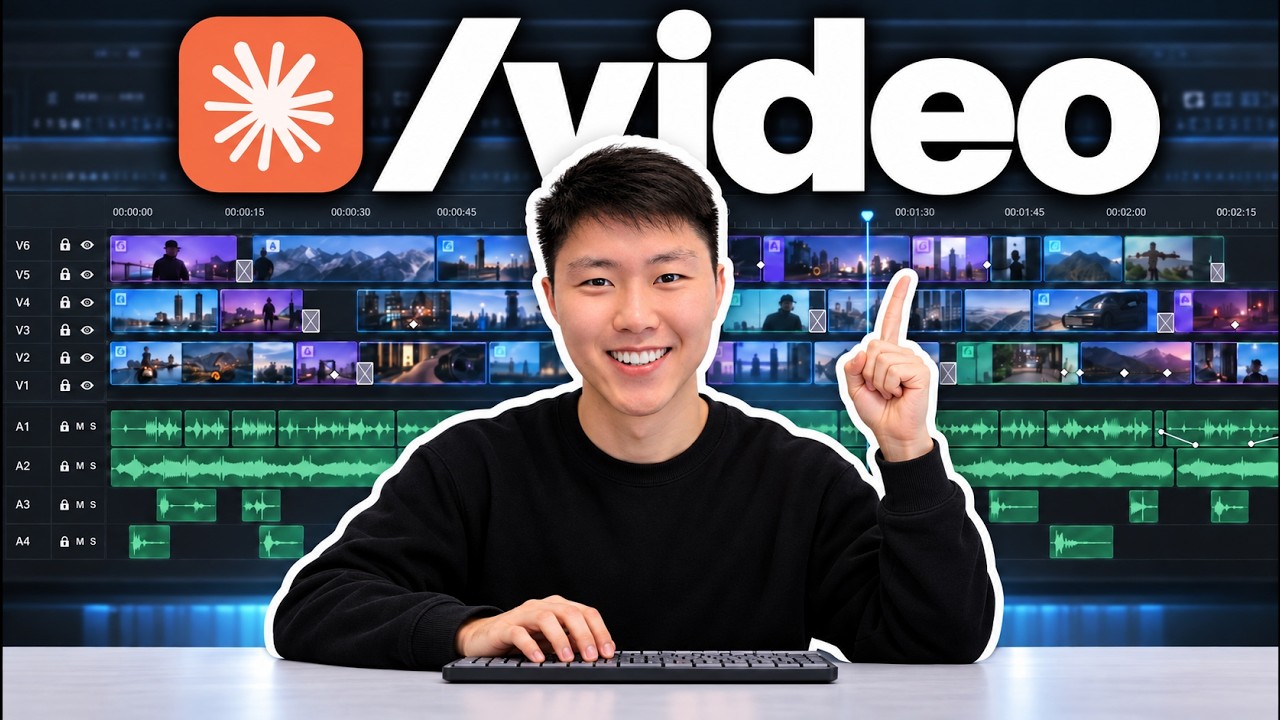
You know that feeling when you've got a video recorded, the audio is done, and then you stare at your editing timeline wondering where the next three hours of your life are going? Everyone running a business or juggling a demanding job knows that exact moment.
What I'm about to show you changes that completely. I edited an entire video using Claude alone. Not Claude plus some other tool. Not Claude as an assistant while I tweaked things manually. I handed Claude the raw video files, some assets, and what came out the other end was a finished, polished video with color grading, B-roll placed perfectly, text overlays, transitions, and even cards that sit behind the speaker because the character layer is transparent. Every single element you see in that final product was generated by Claude.
How It Actually Works Behind the Scenes
Before diving into the skills that make this possible, let me walk through what's happening under the hood. I spent time testing different approaches: Clock Motion, Hyperframes, and a few others. But strip away the branding and every single one of these follows the same fundamental flow.
It starts with planning. You pass Claude your videos, images, and audio files. Claude's first move, just like with any other task, is to figure out where everything goes. It plans the slots, decides which clip lands where, and designs the animations it's going to use.
Then it splits into two possible paths. One route builds the video directly in the browser, assembling frames into a single output. The other uses Python, specifically OpenCV, Pillow, and NumPy, to draw everything and then combines it all using FFmpeg.
FFmpeg is the core tool here. It takes the frames, the footage, and the sound, and pushes them into one single video file. Whether you're looking at Hyperframe, Clock Motion, or the skills I'm about to show you, the pipeline is the same: plan the layout, generate or arrange the visual elements, and let FFmpeg stitch it all together.
The Eric Edits Skill: Drop Assets In, Get a Video Out
I built a skill around this entire workflow called Eric Edits. It's packaged as a zip file that you drop into Claude, and it produces exactly the kind of result you saw in the intro.
Here's what the skill takes as input:
- The main video you filmed
- Any B-roll clips and images you want to include
- Soundtracks for background music
That's it. You pass those assets in, trigger the skill, and Claude pieces everything together, designing the transitions, the animations, the timing, all of it. The output matches the quality level of what I showed at the start of this video.
If you don't love the first result, you can ask Claude to generate different variations. But honestly, the first pass tends to land pretty close to what you'd expect from a manually edited piece.
This skill lives inside my Skool community, so you can download it and use it immediately without rebuilding anything from scratch.
Where to Get Background Music Without Copyright Headaches
One question that comes up fast when you start generating videos this way: where do you get the soundtrack?
I tried having Claude pull music from the YouTube Studio library and other free sources, but none of it really clicked. The tracks felt generic in a way that dragged down the final video.
The best solution I've found is Suno. It generates background music using AI, completely from scratch, so there's no copyright issue to worry about. You generate a track, download it, and pass it to Claude along with your other assets. That's how you get the sound, the video, and everything else working together in one seamless output.
When You Have Zero Assets: Hashu Art Motion
There's another scenario worth covering. What if you don't have any video clips, no B-roll, no images at all? You want Claude to generate everything from start to finish. Maybe it's a music video or an animation project where you're starting with nothing but an idea.
After digging through a lot of skills on GitHub, the one that impressed me most is called Hashu Art Motion. This skill comes with over 35 built-in themes. You've got a Mario theme, a water paint style, a Japanese water paint variant, and dozens more. The characters, the elements, the visual language: all of it is designed by Claude. You don't need to provide a single asset.
You install the skill, pass it a soundtrack, and it generates the rest. I tested this with a track I made entirely in Suno. I didn't give Claude any context about what kind of theme I wanted. It read the lyrics, interpreted the vibe, and built animations that fit the music. The result was a full music video with characters, scene changes, and visual effects, all generated without me specifying a theme or providing any reference material.
Why This Matters If You're Building Something Real
Every week there's a new AI tool, a new agent, a new framework. Claude Code, Codex, robotic process automation, the list keeps growing. It's easy to get caught up in the noise and never actually ship anything.
That's exactly why I built the Skool community the way I did. The goal is to cut through that noise and walk away with real projects. Projects you can put on a resume. Projects that run your business every single day.
I used to be a senior software engineer at Amazon and Microsoft. In 2025 I started my own AI agency and grew it to six-figure income. Now I teach what I've learned, and the community is structured around hands-on courses where you start a project and finish it by the end.
Beyond the courses, there are templates and skills you can plug directly into your business. If you get stuck, you post in the community and get a response within 24 hours. Every week I run a live call where you can bring whatever you're working on and I'll answer questions directly. And for people who want to move faster, there's a fast-track coaching option: 30 minutes one-on-one every week where we set a goal together and plan how to hit it.
The part I like most, though, is the people. Business owners and professionals around the globe, all building with AI, sharing what works. You can message anyone directly. The community is currently rated 5.0 with real reviews from real members.
Key Takeaways
- You can edit a complete video using Claude alone, including color grading, B-roll placement, text overlays, transitions, and transparent character layers, without opening any traditional video editor
- The underlying pipeline is consistent across tools: plan the layout, generate or arrange visual elements, and use FFmpeg to combine frames, footage, and sound into a single video
- The Eric Edits skill takes your raw footage, B-roll, images, and soundtrack as input and outputs a fully edited video with animations and transitions designed automatically
- Suno is the best option for generating royalty-free background music that actually sounds good, and it integrates cleanly into the Claude workflow
- When you have zero assets, the Hashu Art Motion skill provides 35+ themes and generates everything, including characters and animations, from just a soundtrack
- The real value is shipping finished projects, not just collecting tools. Skills and templates that plug into your actual business are what move the needle
If you want the Eric Edits skill, the Hashu Art Motion skill, or access to the courses and live calls, the Skool community is open with a free trial for a limited time. I'd love to see what you build with this.