

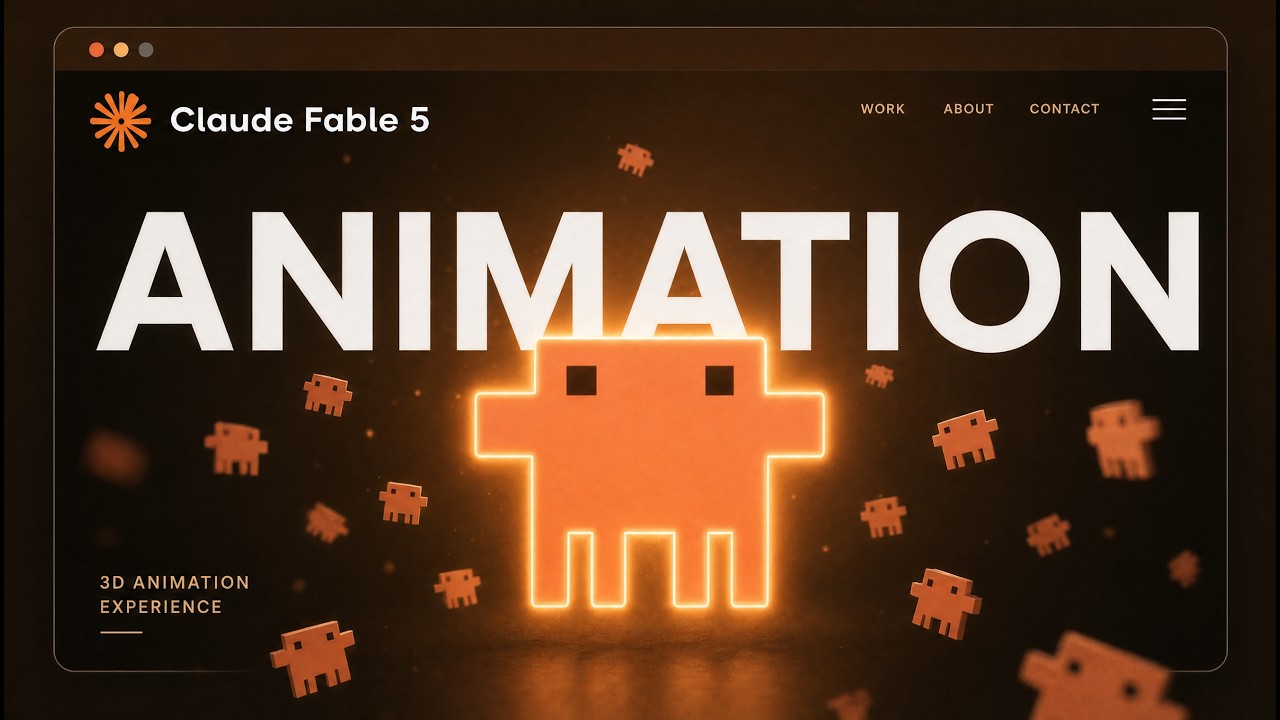
You know that feeling when you scroll through a website and the background starts moving, the camera swoops around an object, and it feels like you're inside a short film, not a landing page? I used to think that stuff took a full VFX team and a month of production. Then I got Claude Code, Hixfield's Cense 2.0, and a couple of skills talking to each other, and I built one in an afternoon. The video you see at the start of this post is a 3D animation of a workflow diagram: data intake, extraction, matching, export. Each phase reveals itself as you scroll, the camera gliding from node to node. The whole thing is a single video file, but it moves with the scrollbar, you can pause it halfway, and the layout stays crisp. Here's exactly how I did it, from finding a Pinterest inspiration to having a fully animated website you can deploy today.
Start with a reference you actually want to steal from
I didn't design the motion from scratch. I went to Pinterest and grabbed a video of a statue that had the exact camera behavior I wanted: the statue started centered, then shifted to the right as the user scrolled, and text blocks appeared alongside it. There was another one with a car that gave a 360-degree spin when you touched the screen. Both are just scrolling, but the camera work makes them feel like a product reveal.
I downloaded the Pinterest video using a skill I built called the Pinterest Download skill. I copied the link, hit the skill, and it saved the video straight into my project folder. No messing around with third-party downloaders. Then came the interesting part: making AI understand what was happening in that video.
Reverse engineer the video into a motion spec
I have a skill called Reverse Engineer Video Skill. It takes any local video file (TikTok, Pinterest, whatever) and breaks it into frames, analyzes each one, and writes a full motion spec in a Markdown file. You open a Claude session, type reverse engineer video, pass it the video file, and it spits out a document that describes every beat: the initial object position, the background, when the page scroll triggers, what the camera sees at each point, and how the transitions feel.
I opened the file and it had everything. The statue, the lighting, the scroll phases, the timing. It was like the DNA of the original video. That's the reusable part. Once you have the spec, you can swap out the object and keep the same motion language. I wanted to replace the statue with my own diagram, a workflow I was promoting. So I took the spec, fed it into Claude Code along with my product context: a few images of the diagram nodes, some logos, and a description of what I wanted to show. Claude then rewrote the spec so that the camera would track through the diagram instead of the statue, maintaining the same scroll-triggered reveals.
Install the Hixfield toolchain so Claude can talk to the video generator
I used Hixfield.ai for the actual video generation because they just released Cense 2.0 in 4K, and the quality is good enough to sit in a website background without looking like a blurry mess. But I didn't want to manually click around the Hixfield UI. I wanted Claude Code to handle the generation directly, following the motion spec I'd just built.
First, I connected the CLI. On the Hixfield site, under the MCP and CI section, there's a command to install the Hixfield CLI. I ran it in my terminal, then did hixfield login to authenticate. That gave me a command-line interface to trigger video generation.
Then I installed the Hixfield skill pack. There are seven skills available, but the one I needed is called Hixfield Generator. It teaches Claude how to use the CLI with the best practices for prompts, model selection, and arguments. I ran the install command, chose the generator skill, scoped it to my current project, and linked it to Claude Code. After that, in a Claude session, I could just type /hixfield generate and it would know what to do.
Generate the 3D animation from your motion spec
Now I had the modified motion spec, the image folder with my diagram assets, and the skill ready. I opened a new Claude Code session, called the Hixfield Generator skill, and gave it the entire motion spec as the prompt. The spec already referenced the image file paths, so Claude knew where each asset was. I also specified the model as Cense 2.0 and the output as video.
It took a few minutes, and I asked it to generate a couple of versions. The best one was a short but clean sequence: the camera starts on the first node, then zooms into the next, with smooth transitions that feel like a deliberate camera move, not a random pan. The whole video is only a few seconds, but that's actually perfect for a scroll-driven site because you can loop it or extend it later if you want a longer reveal.
You can make longer videos with Hixfield, but I like keeping it short because the scroll experience works better when you don't have to scroll through 20 seconds of footage to see the next section. The key is that the motion matches the spec exactly: the camera hits the intake, then extraction, then matching, then export, and each phase feels like its own story beat.
Turn the video into a scroll-animated website
This is the part that blew my mind the first time I tried it. I have a skill called the Animated Website Skill. You give it the video file you just generated, and it builds a full website where the video plays as you scroll down. The video isn't a fixed background; it's scrubbed by the scroll position. So when you scroll to the middle, the video is at the middle of its timeline. When you scroll back up, the video reverses. It's like a custom video player, but the whole page acts as the control.
I opened a Claude session, called the skill, and passed in the map.mp4 file I'd generated. After a couple of minutes, I had a local site I could open. The left side had text sections, the right side had the video. As I scrolled, the first text block appeared, the video started moving, and by the time I got to the second block, the camera had revealed the next node. I could pause by just stopping my scroll. Scrolling back up showed the previous state instantly. It felt like a luxury product page, but the heavy lifting was all AI.
The skill packages everything: the HTML, the CSS, the JavaScript that ties the scroll position to the video's currentTime. It's responsive, the video stays in position, and the text sections stack cleanly. You can swap in your own copy, change the colors, whatever. But the core interaction is there.
What you need to make this work for your own product
The whole pipeline is:
- Grab a reference video from Pinterest or any source.
- Use the Reverse Engineer Video Skill to break it into a detailed motion spec.
- Feed your own product context (images, description, brand assets) into Claude Code and have it rewrite the spec for your object.
- Install the Hixfield CLI and the Hixfield Generator skill so Claude can generate videos.
- Generate the 3D animation using Cense 2.0 and the new spec.
- Run the Animated Website Skill on the video file and get a scrollable website.
If you have a physical product, you can replace the diagram with product shots没; if you have a SaaS tool, you can show UI flows. The motion spec is the universal translator between a reference video and your final output. You're not starting from a blank canvas; you're remixing motion that already works.
A few things I learned the hard way:
- Keep your product images in the same project folder and reference them by relative path in the motion spec. Claude will lose context if you give it random URLs.
- The CLI approach saves tokens and is faster than the MCP connection for desktop apps. Use the CLI if you're inside Claude Code.
- The Hixfield Generator skill installs globally by default, but I scoped it to my project to keep things clean. You can always reinstall if you want it everywhere.
- Your video doesn't need to be long. Four to eight seconds is enough for a 3-4 section scroll page. You can always generate a longer version later if you need more frames.
I also want to mention that I launched a school community where I teach exactly this kind of AI builder workflow. We go from AI automations to agents, research systems, SaaS building, and how to productize your skills. I used to work as a senior AI software engineer at Amazon and Microsoft, and I structure the community so you're not just watching videos, you're building, posting progress, and getting feedback. There are templates, weekly live calls, and direct support. If you're stuck on something like getting the Hixfield CLI to work, you can ask and get help right away. That's linked in the description if you want to go deeper.
Key Takeaways
- Start with a reference video that has the motion you want, and use AI to reverse engineer it into a reusable spec.
- The motion spec acts as the blueprint; you can swap your own product into it without changing the camera choreography.
- Connect Claude Code to Hixfield via the CLI and the Hixfield Generator skill to generate 3D animations directly from the spec.
- Use Cense 2.0 for high-quality 4K video that looks good in a website background.
- Convert the video into a scroll-driven website with the Animated Website Skill, which ties scroll position to video playback.
- The entire pipeline, from idea to live site, takes a few hours, not weeks.
The final result is a site that doesn't feel like a template. It moves with intention, and the scroll interaction makes users want to keep going. I'm not saying this replaces a full creative team, but for a solo developer or a small product launch, it's a massive step up. Try it with your own diagram, your own product. Once you see the video respond to your scroll, you'll never look at static landing pages the same way again.